
Hello. If you have ever opened Instagram on a Monday morning with absolutely no idea what to post, you already know the problem. A blank screen, a busy day ahead, and a vague guilt about not being consistent. The good news is that a simple editorial calendar fixes this, and you only need one or two hours a month to build it once the system is in place.
Why Bother With a Calendar at All?
Instagram has 2 billion daily active users worldwide, according to Meta (July 2026). The platform is not going anywhere, but your visibility on it depends almost entirely on consistency. The algorithm does not reward intensity, it rewards regularity. Posting five times in one week and then going silent is worse than posting once a week without fail.
Think of your editorial calendar as a visual agenda where each slot corresponds to a post idea, a date and a format. Nothing complicated. Just a plan you can glance at and immediately know what to create next.
Choose Your Content Pillars First
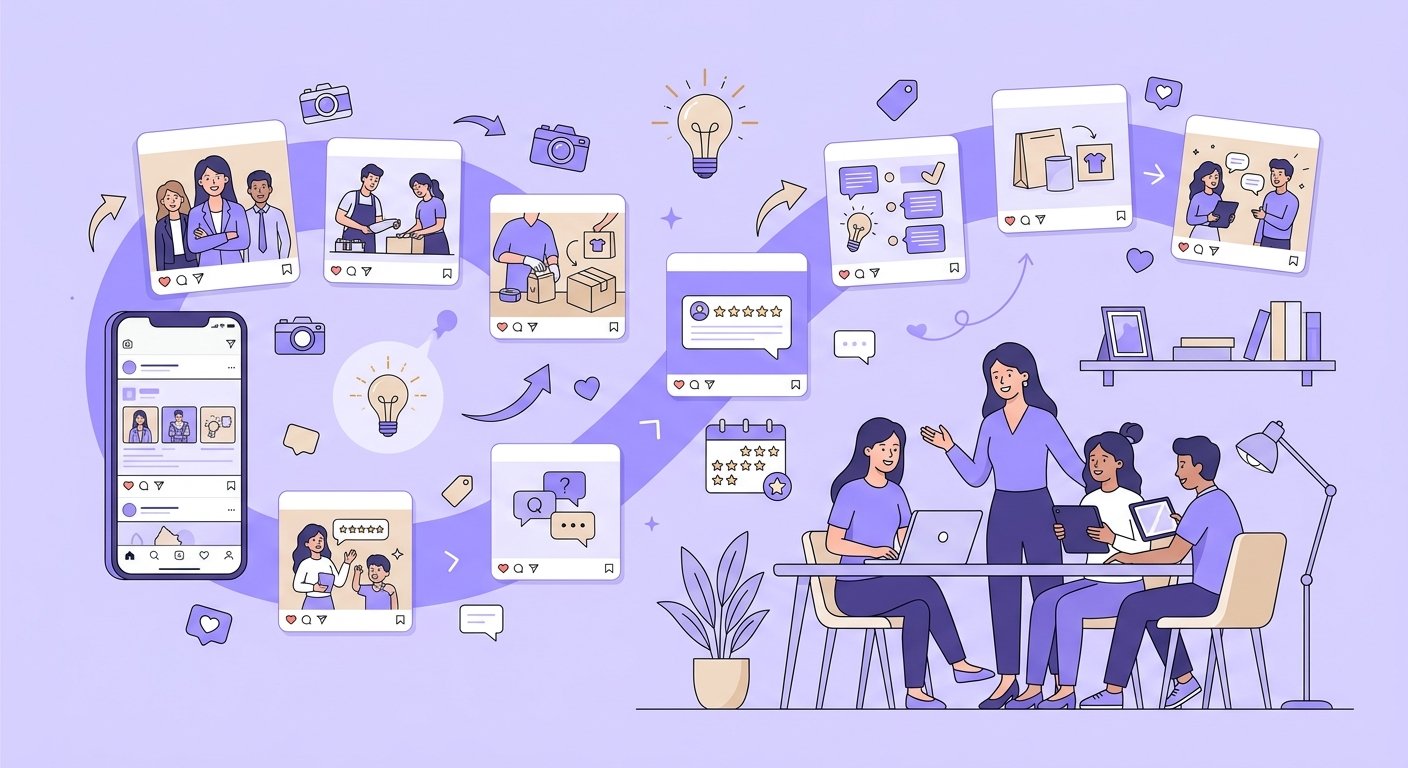
Before you fill any calendar, you need to decide what you are going to talk about. Most small businesses do well with three or four recurring themes, sometimes called content pillars. A florist, for example, might use: behind the scenes of an arrangement, a seasonal trend, a customer story, and a practical tip about plant care. A freelance web designer might use: a portfolio snapshot, a client result, a quick tutorial and something personal about how they work.
Having pillars means you never start from zero. Each week, you rotate through them and fill in the specifics. This is where most of the time-saving actually happens.
Pick a Realistic Format Mix
The data for 2026 is pretty clear about what works on Instagram. Reels drive reach, carousels drive engagement, and Stories maintain the relationship with your existing audience. A practical mix for a small business or freelancer looks like this:
- Reels (about 60% of your feed content): according to a Socialinsider study of 6 million Reels published in the first half of 2026, Reels of 45 to 60 seconds get the best engagement rate, and those over 3 minutes the weakest.
- Carousels (about 25%): they have the strongest engagement rate, at 0.50% of followers in the second quarter of 2026 according to Socialinsider, ahead of Reels (0.48%) and well ahead of single images (0.33%).
- Static images (the rest): still useful for announcements or strong visuals, but they get the lowest engagement of the three feed formats, so use them sparingly.
- Stories (daily or near-daily): replies to Stories grew 88% in a year according to Metricool (June 2026), a sign that this is the format for conversation with your followers.
Adam Mosseri, the head of Instagram, advises posting as much as you can without burning out, and testing (September 2026). No recent study sets an ideal number of posts per week. If you handle everything alone, start with 3 feed posts per week and daily Stories, and build from there. Sustainable beats optimal every time.
A Simple Monthly Template You Can Actually Use
Here is a template structure that works for most freelancers and small businesses. Take a spreadsheet or even a paper notebook, create four columns for your four weeks, and fill each week with this pattern:
- Monday: a Reel (short tip, process, or behind the scenes)
- Wednesday: a carousel (educational, before/after, or a list your audience will save)
- Friday: a single image or a second Reel (something warmer, more personal)
- Every day or almost: a Story (a poll, a question, a quick update, a reshare)
Then for each post, note the pillar it belongs to, the format, the rough idea and the target date. That is your calendar. You can plan a full month in one sitting, usually in under two hours once you know your pillars.
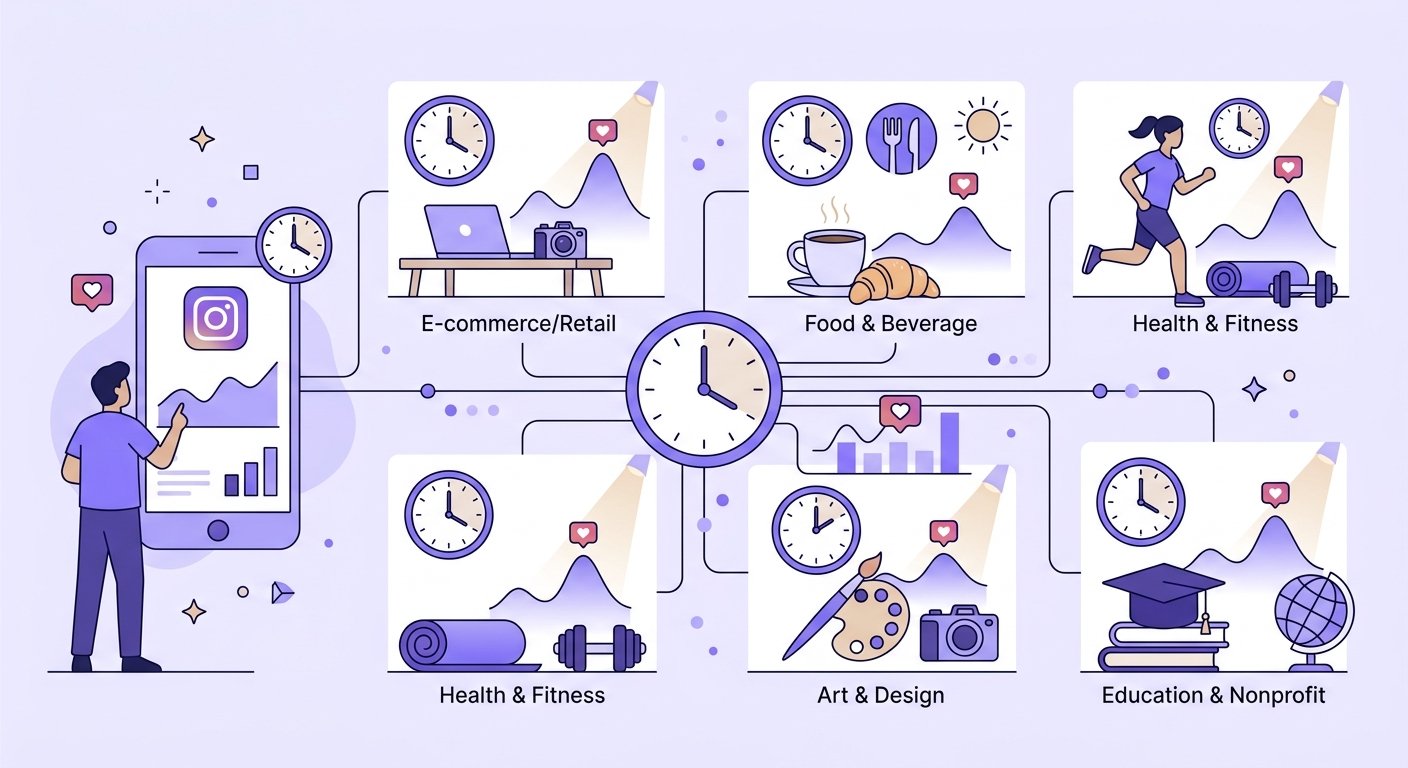
One important detail: plan your timing. No study based on 2026 data gives a best time to post. As a rule of thumb, early morning, lunchtime and early evening are good slots to test, and for Reels, also test late afternoon on weekdays and compare your views. That said, your own audience data from your professional account insights will always be more relevant than any general benchmark.
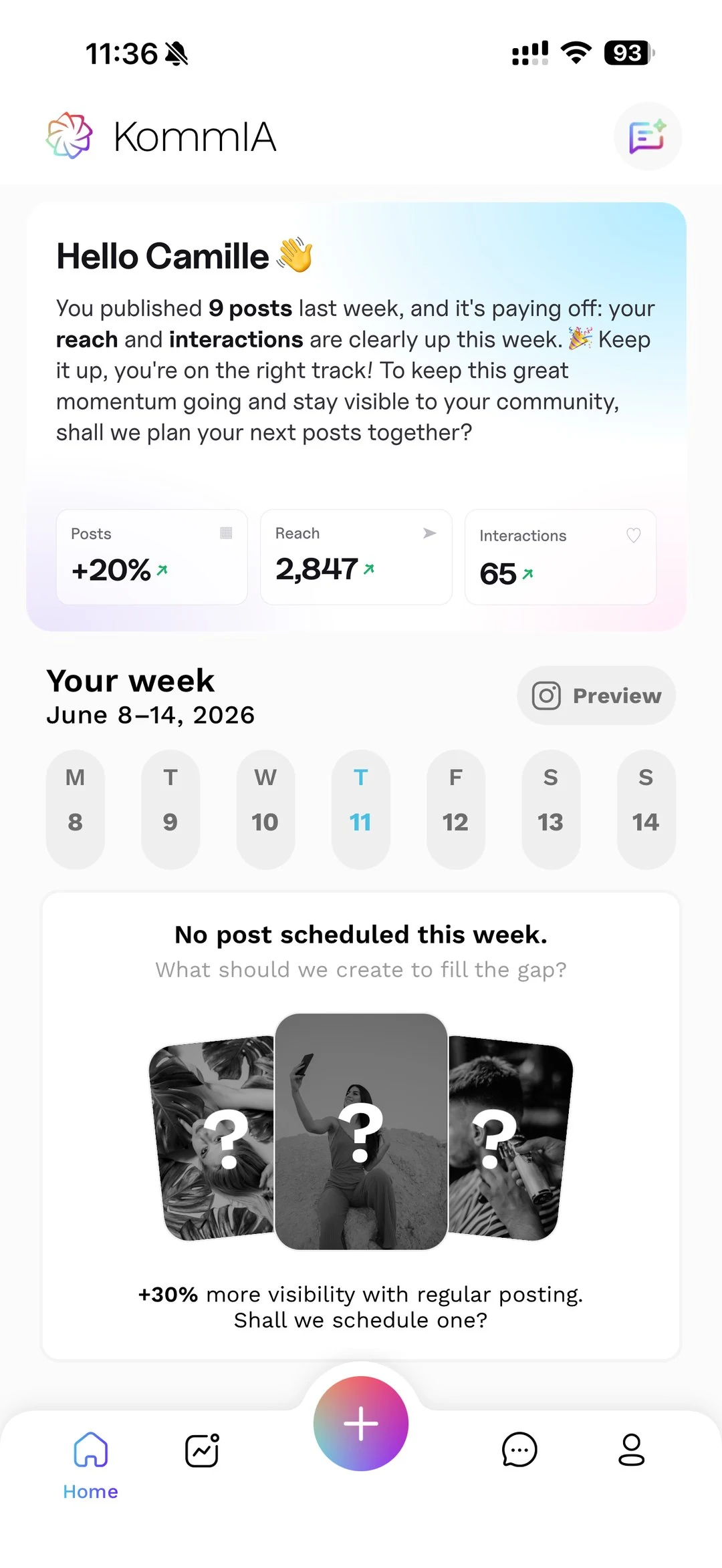
This is exactly where KommIA saves you a real chunk of time: it suggests three time slots based on your account's activity and publishes your posts at the one you pick, so you do not have to be at your phone every time a good posting window opens.
What the Algorithm Actually Cares About in 2026
One thing worth knowing before you finalise your calendar: according to Adam Mosseri, the head of Instagram (May 2026), Instagram looks at watch time, likes and sends by direct message, always measured against the number of people reached. Likes still count, especially with your followers. But to get discovered by new people, sends by direct message carry the most weight. So when you plan your content, ask yourself: is this the kind of post someone would send to a friend? Useful tips, relatable moments and strong visuals tend to get shared. Generic promotional content rarely does.
The first reactions to a post come from the people who are online at that moment. Another reason why posting at the right time is not optional. KommIA's scheduling feature suggests three time slots based on your account's activity and publishes at the one you pick, which makes that decision quicker.
Reviewing your results every quarter is the last piece of the system. Look at which posts were sent and liked the most, relative to the people they reached, adjust your pillar mix if needed, and keep the rhythm going. The calendar is not a rigid contract, it is a working tool you update as you learn what your audience responds to.
Building this habit takes a few weeks, but once it clicks, Instagram stops feeling like a source of stress and starts feeling like a manageable part of your business. KommIA is designed to make that transition as smooth as possible, preparing the post ideas, captions and hashtags and publishing at the times you pick, so you can focus on the photos and videos worth sharing.