Help · Support 24/7
Need help? We've got your back.
Hello! A question about the app, your subscription or the security of your data? You can write to us on WhatsApp for an instant reply, or by email for longer topics. We reply fast, in plain language, with no jargon.
How to reach us
Two channels, real answers.
Behind Kali, there's a team: when the AI can't answer, it passes your question on to us, and we reply to you ourselves. Bruno, founder of KommIA.
- WhatsAppInstant reply +33 7 68 48 83 16 Available 24/7. An AI agent answers first, with a human taking over if needed. Ideal for quick questions or when you're stuck right now.
- EmailWithin 24 business hours support@kommia.com Monday to Friday. For detailed questions, data deletion requests or billing matters.
Frequently asked questions
The questions we hear most.
Answers to the questions that come up most often. To see each feature in action, watch the video tutorials (in French). If you can't find your question, write to us on WhatsApp or by email.
Before you start
8 questionsHow does the 14-day free trial work?
You download KommIA from the App Store or Google Play, leave your email or phone number and connect your professional Instagram account: your 14-day trial, no credit card required, starts.
At the end of those 14 days, access to the app is paused. If you want to keep going, you choose your plan: €49.90 excl. VAT per month, or €39.90 excl. VAT per month billed yearly. On Android, you subscribe online, with Stripe. On iPhone, you have two options: an in-app purchase with your App Store account, or the Stripe link we email you before your trial ends. If you decide not to continue, you have nothing to do: no charge, no commitment.
Does KommIA create my photos and videos?
No, and that's on purpose. You take the photos and videos of your business: that's your personal touch, and it's what shows your work. KommIA takes care of the rest: the idea, the caption, the hashtags, the time slot and the posting.
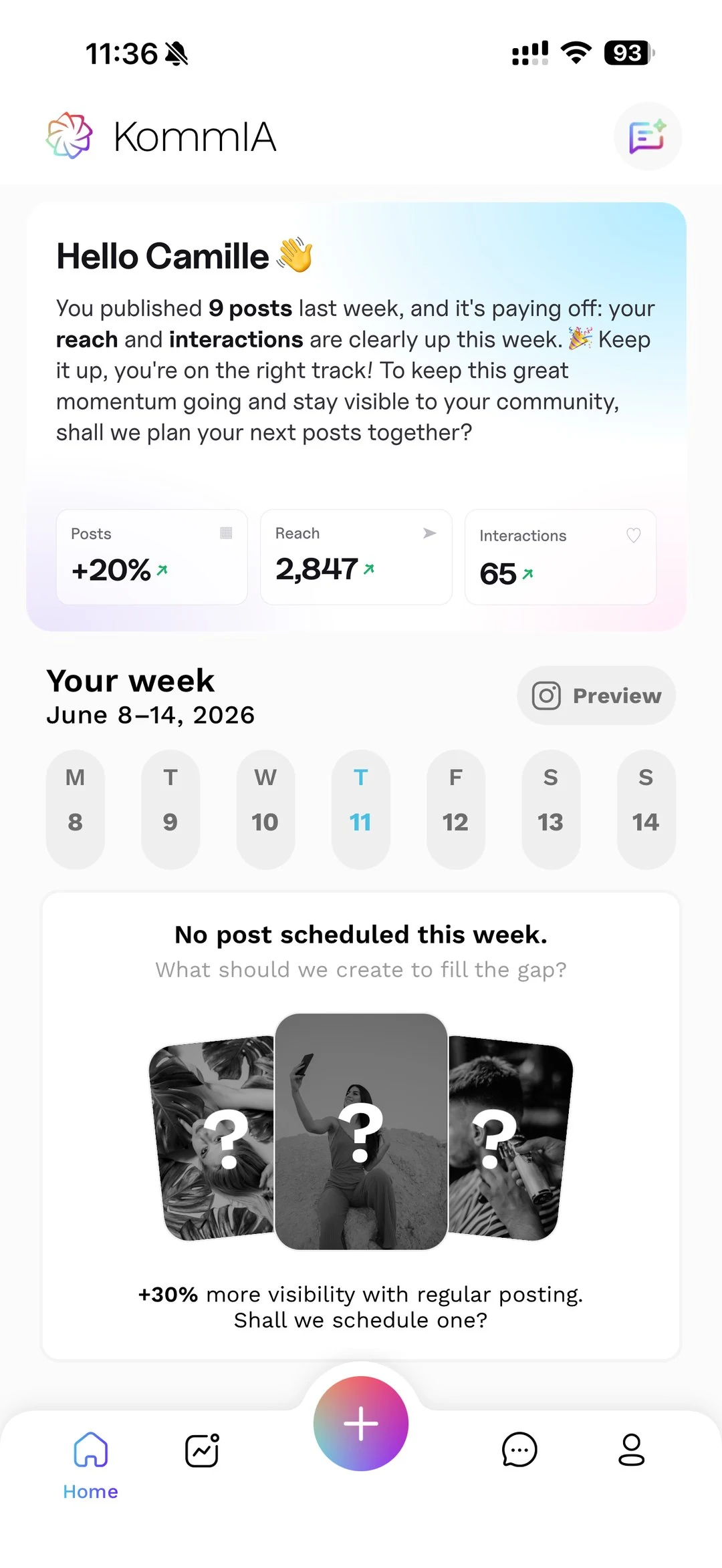
To edit them, you have the built-in editor and AI retouching: you write what you want (“make the background brighter”), and the AI applies it to your photo, with a before and after. And to help you take them, the app has a photo guide.
Does KommIA work for my industry?
Yes. KommIA is built for every industry: beauty, restaurants, coaching, tattooing, fitness, interior design, local shops, consulting, services, and many more.
You fill in your industry, your specialty, your offer and your brand's tone of voice in “My brand & AI”, whenever you like. The AI then adapts to your trade for everything it generates (ideas, captions, hashtags). You won't get the same kind of post if you're a tattoo artist or if you run a restaurant.
I have a personal Instagram account. Can I still use KommIA?
Not directly. The official Instagram API (run by Meta) only works with a Business or Creator account. That's Meta's rule, not KommIA's.
The good news: switching your personal account to Business or Creator is free and takes 30 seconds in the Instagram app (“Settings → Account → Switch to professional account”). You keep your @, your followers and your posts. You simply unlock the official statistics and the professional tools.
Can the AI post without my permission?
No, never. You approve every post before it's scheduled or published. The AI suggests (ideas, captions, hashtags, time slots), and you approve.
It's a deliberate product choice: the creative touch stays yours, and KommIA does nothing on your behalf without your OK.
How do suggested replies to direct messages work?
When you receive a direct message or a comment on Instagram, KommIA suggests 3 replies: a short one, a medium one and a long one. You pick the one that suits you, you can edit it in 2 seconds, and you send it.
Especially useful for delicate topics (last-minute cancellations, special requests, saying no when someone asks you to lower your prices): the AI helps you put into words what you don't want to rewrite 10 times a week.
Is my data safe? Where is it stored?
Yes. Several layers of protection:
- Data hosted in the European Union
- You stay in control of your data: you can ask for an export or delete it at any time
- No Instagram password stored: you sign in on Instagram's official page
- No banking data stored on our side: payment goes through Stripe (PCI-DSS standard) or Apple
- Encryption in transit on all exchanges
The details are in our Privacy policy.
Can someone help me get started?
Yes. The team offers you a free 20-minute onboarding video call (in French) to set up your account with you and prepare your first week. Ask for it on WhatsApp: the team will get back to you to book a time.
Already using KommIA
8 questionsHow do I connect my Instagram account to KommIA?
Right when you sign up: KommIA takes you to Instagram's official login page, you sign in with your Instagram username, you grant access, and that's it. To add another account later, go to “Account → My Instagram account”.
Important: KommIA never stores your Instagram password. You always sign in on Instagram's page, never inside KommIA: it's Meta's official login.
On iPhone, Instagram blocks the login in the window that opens. What should I do?
On iPhone, Instagram's page opens in a Safari window inside KommIA. If Instagram blocks the login there, a button lets you continue in Safari: the rest of the process is the same. You always sign in on Instagram's page, never inside KommIA.
My post didn't go out at the scheduled time. Why?
There are several possible causes: an expired Instagram authorization, an incident on Instagram's side, or content rejected by Instagram. KommIA prepares each post about an hour in advance and, if it fails, retries it automatically up to five times; you get a notification with the reason.
If it still fails, the reason is shown in the calendar: fix what's blocking it, then relaunch it. A post marked “to finish” never goes out on its own: it waits for you to finish it in Instagram. If the problem keeps happening, write to us on WhatsApp.
Can I connect several Instagram accounts?
Yes, you can connect up to 10 professional Instagram accounts, included in your subscription. Handy if you run your main brand plus a side account, or if you're a freelancer with several businesses.
You manage them one at a time: only one account is active at once. To switch, go to “Account → My Instagram account” and pick another one, just as you would switch accounts on Instagram: the whole app reloads with the posts, messages and statistics of the account you picked.
How do I manage my subscription on iPhone?
It depends on how you subscribed. Through the App Store: everything is managed in your Apple account, and the app's “Subscription” screen takes you straight there (“Settings → your name → Subscriptions”). To change plans, that screen sends you to abo.kommia.com.
Online, with the Stripe link: everything is managed in your billing portal. Request your link from the app's “Subscription” screen or on abo.kommia.com, and it arrives by email.
I'm not getting my subscription management link. What should I do?
For your security, the link to your billing portal is never shown on screen: it's sent to your account's email address. Request it from the app's “Subscription” screen, or on abo.kommia.com by entering your email. Remember to check your spam folder.
If nothing arrives, check the address saved in “Account → My information”, then write to us. If you subscribed through the App Store on iPhone, your subscription is managed in your Apple account, not through this link.
How do I cancel my subscription?
You can cancel at any time, without calling us or giving a reason. Through the App Store on iPhone: the app's “Subscription” screen opens the subscriptions page of your Apple account. Online (Android or abo.kommia.com): request your management link from the app or on abo.kommia.com; it arrives by email and opens your billing portal, where you cancel in a few clicks.
Your access stays active until the end of the paid period, then stops automatically. No penalty, and no commitment on the monthly plan.
How do I delete my account and all my data?
Go to “Account → Help & Account” and choose to delete your account. You're asked to confirm twice, because deletion is immediate and permanent: your data saved in KommIA is erased.
If you're a subscriber, remember to cancel your subscription: in your Apple account if you subscribed through the App Store, or in your online billing portal otherwise. You can also request a full export of your data before deletion, at support@kommia.com.
Didn't find your answer? Write to us on WhatsApp, we reply 24/7.
Free trial
All clear? Start your trial.
Try it on your own account, with every feature, and if you get stuck, we're here on WhatsApp. You choose your plan at the end.
- No commitment on the monthly plan
- Data hosted in the European Union
- Official Meta login, no password stored
- KOMMIA SAS · RCS Nanterre 941 719 742