
Hello. If your posts suddenly stopped reaching anyone outside your existing followers, you are not imagining things. No notification, no explanation, just a quiet drop in visibility that feels like shouting into a room where nobody can hear you. That is the shadowban, and it is often more subtle than freelancers, artisans and small businesses trying to grow on Instagram realise.
What a shadowban actually is in 2026
A shadowban is a silent restriction applied by Instagram's algorithm that limits how far your content travels. Your account keeps working normally from your side, so you can still post, comment and reply, but your content stops appearing in hashtag results, the Explore page and recommendations to people who do not already follow you.
Meta long denied that this mechanism existed. Instagram still does not use the word “shadowban”, but it does acknowledge that an account can lose access to recommendations. Since 30 April 2026, for example, an account where most posts from the last 30 days are not original is no longer recommended to people who do not follow it. The clearest proof is a feature Instagram added inside Settings called Account Status, which tells you directly whether your content is eligible to be recommended. If it says “not eligible to be recommended,” that is as close to an official admission as Instagram will ever give you.
The restriction can also be partial. It can hit one specific post without affecting your whole account.
The main causes right now
The triggers have changed over the years. Here are the causes that come up most often today.
- Unauthorised third-party tools. Bots, mass-follow apps, any tool that asks for your Instagram password. Instagram bans these practices and can restrict any account that uses them. This is the first thing to check.
- Engagement pods and coordinated comments. Instagram treats groups of accounts that systematically like or comment on each other's posts in a coordinated way as inauthentic engagement, which breaks its rules.
- Banned hashtags. Instagram restricts some hashtags. Always search a hashtag manually before using it, and skip it if Instagram displays a warning about hidden recent posts. Instagram limits hashtags to five per post anyway, so pick precise, niche tags rather than generic ones.
- Community reports. If your posts are reported and then removed for breaking the rules, the algorithm can make your account ineligible for recommendations.
- Reposted or duplicate content. Reposting a TikTok video with its watermark, or mostly reposting other accounts' content without adding anything, cuts your account off from recommendations to people who do not follow you. When Instagram spots two identical pieces of content, it recommends the original instead of the copy.
How to confirm you are shadowbanned
There are three reliable methods you can use today, no paid tool required.
- Check Account Status. Go to Settings, then Account Status. If Instagram explicitly says your content is not eligible to be recommended, you have your answer.
- Read your Insights. Open Insights on your last ten posts and look at the split between followers and non-followers. On a healthy account, part of your views come from people who do not follow you, and a Reel that works can reach mostly non-followers. If all your recent posts are seen almost only by your followers, your account may no longer be distributed beyond your existing audience.
- Check hashtags manually. Search each hashtag you use directly inside Instagram before publishing. If recent posts are hidden, drop that tag immediately.
The recovery protocol, step by step
The most common mistake people make when they notice a drop in reach is posting more to compensate. That is exactly the wrong move. A restriction does not lift faster because you speed up, so fix its cause first. A restriction linked to hashtags or reported content usually lifts once the cause is fixed, but mass following automated by a third-party tool can lead to a much longer restriction.
Here is what actually works.
- Revoke access to all third-party apps. Go to Instagram's security settings and check which apps and websites have access to your account. Remove anything that connected to your account and that you did not specifically authorise through Meta's official partners.
- Use five hashtags at most. That is Instagram's limit per post, caption and comments included, so make them specific to your niche rather than generic.
- Pause for 48 to 72 hours. No posting, but stay naturally active with a few sincere comments and replies to Stories.
- Focus on Reel completion. Watch time is one of the three signals that weigh the most, so a Reel that few people watch to the end is less likely to be recommended. Hook viewers in the first three seconds and keep the content tight.
- Post original content consistently. Avoid recycling content from other platforms. Create something new each time, even if it is short and simple.
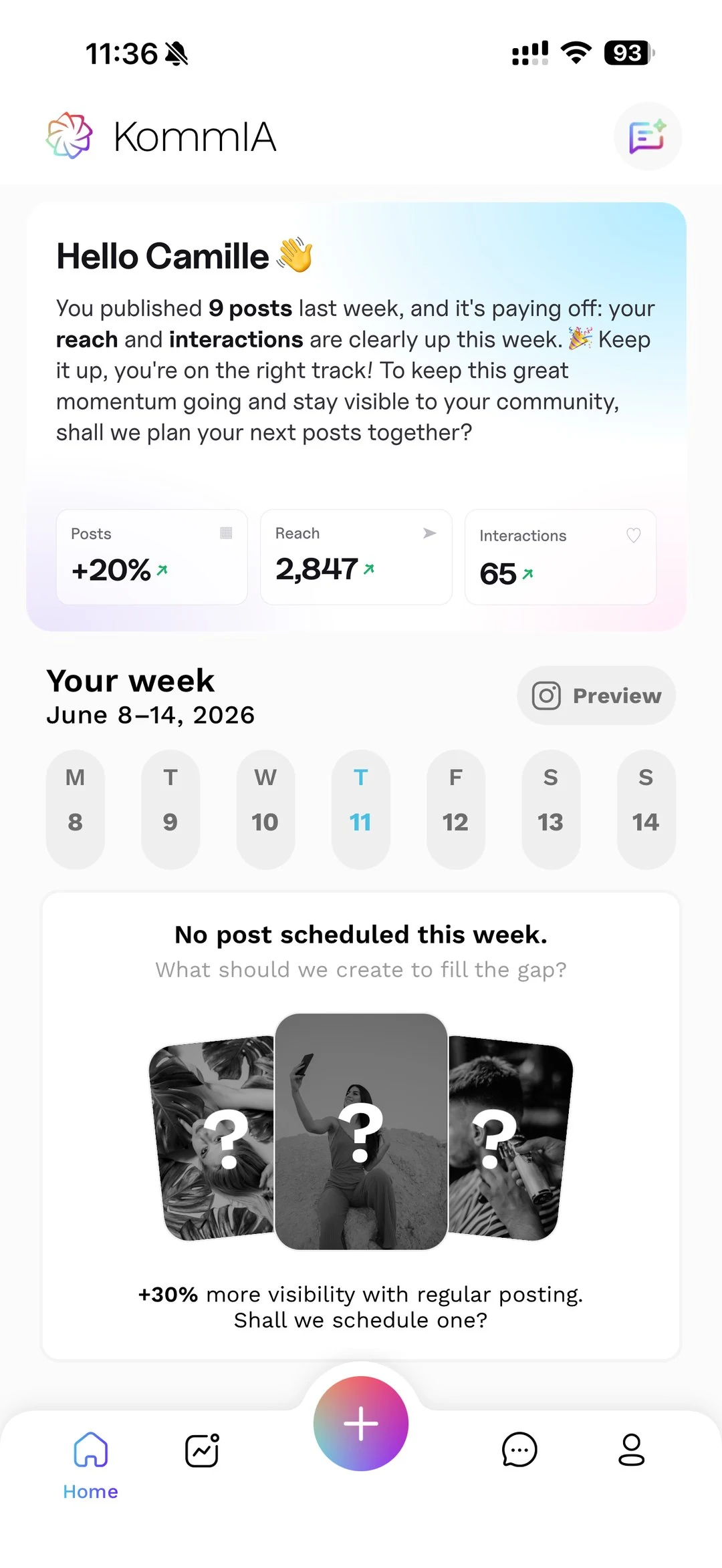
- Publish at the right time. Early reactions count, so publish when your audience is online to give people time to react. KommIA suggests three time slots based on your account's activity and publishes your posts at the one you pick, so you do not have to guess or set alarms.
How to stay out of the shadowban zone going forward
Recovery is one thing, but the goal is to never end up there again. A few habits make a real difference over time.
Stick to tools that are officially approved by Meta, and never share your Instagram password with any app. Check your Account Status regularly as a quick routine, the same way you might check your email deliverability. Keep your hashtag list lean, five per post at most, and check each tag again from time to time.
Consistency helps too: post reliably, generate genuine interactions and avoid spammy patterns. With KommIA, you can plan your content calendar a week ahead and pick each time, or one of the three slots it suggests based on your account's activity, without you watching the clock. Less manual work, more consistent results, and a healthier account in the long run.