Hello. If you have been telling people “link in bio” for months but your bio still shows one lonely URL, this article is for you. Instagram quietly changed the rules a while ago, and the native multi-link feature is available to every account, completely free, and surprisingly underused by freelancers, artisans and small businesses. Here is everything you need to set it up properly and actually get people to click.
What Instagram Actually Allows in 2026
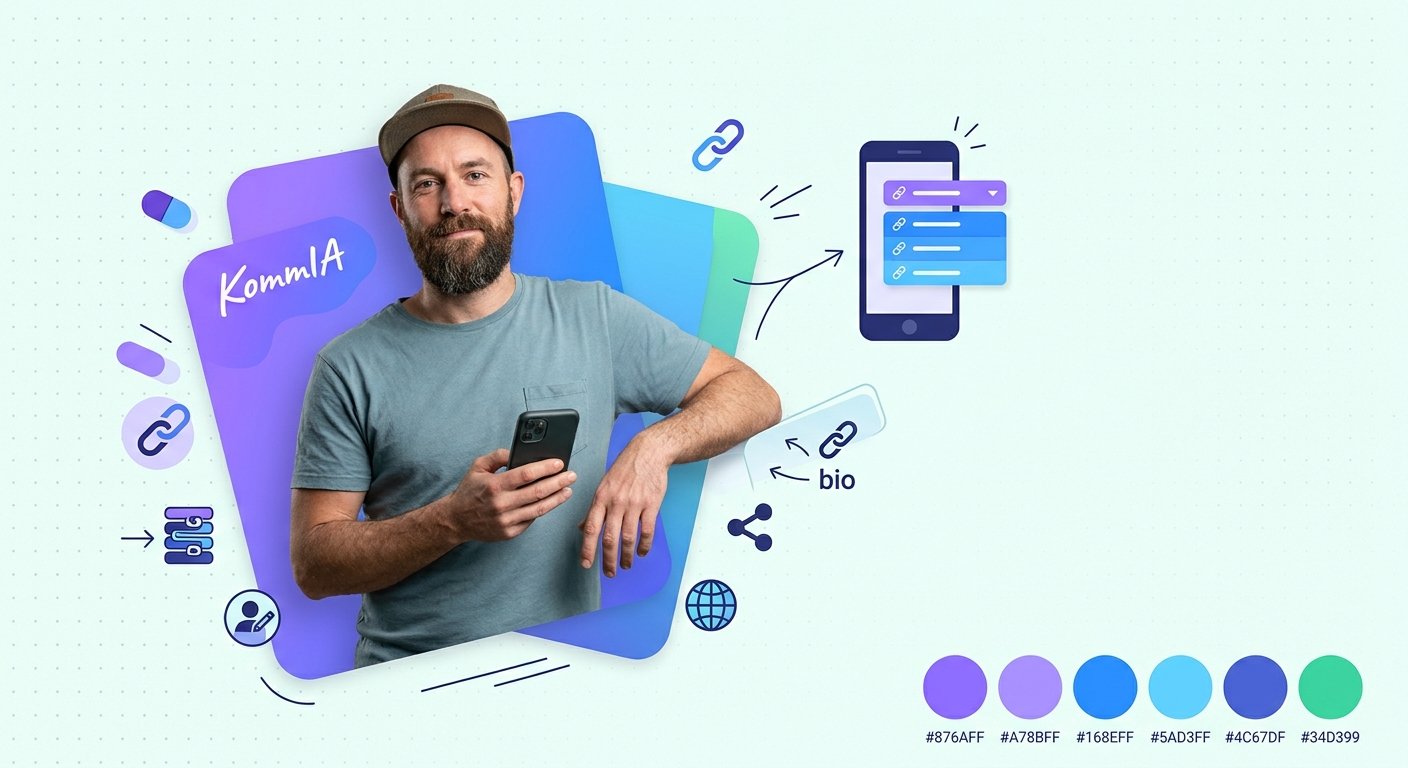
Forget the old rule. Instagram now gives you a dedicated Links field, completely separate from the text of your bio. Go to Edit Profile, then Links, then Add External Link, and you can add up to 5 links with no follower count requirement at all. Each link gets a custom title, so visitors see “Book a session” instead of a wall of characters.
One important detail: Instagram shows the first link prominently and collapses the rest under a “and 3 others” style tap. Put your most important destination at the top. You can reorder links by drag-and-drop inside the editing screen, so shuffling them around as your offers change only takes a moment.
On top of that, the link sticker in Stories is open to every account with no minimum followers, giving you a second official clickable channel on every Story you publish.
Native Links or a Link-in-Bio Tool?
Both options are valid in 2026, and the right choice depends on how complex your situation is.
- Native links (up to 5): perfect if you have a handful of stable destinations, such as your booking page, your newsletter, and your shop. No third-party tool needed, zero cost, and loads fast inside Instagram's built-in browser.
- A link-in-bio page (Linktree, Beacons, Later and others): you place one URL in the bio, and it opens a branded page listing all your links. Worth it if you change offers frequently or want click analytics and a more polished layout. Most of these tools are free to start.
Even though Instagram now supports multiple native links, third-party tools still win on analytics and branding flexibility. If you need to track exactly which post drove traffic to which page, a tool with built-in statistics will save you a lot of guessing.
Things Worth Knowing Before You Set Anything Up
A few points will help you set realistic expectations and make smarter choices.
- Not every visitor to your profile will click your link, far from it: your profile insights show how many do, and that is the number to grow.
- A branded URL (one with your own domain) shows clearly where the link leads, which reassures people before they click.
- Captions that give a specific, value-oriented instruction (“Get your 15% discount via the link in bio”) give people a real reason to click, far more than passive mentions like “link in bio”.
- A broken link that leads to a 404 error makes a bad impression at the worst possible moment. Broken links are not a minor issue.
Best Practices That Actually Make a Difference
Setting up the links is quick. Getting people to use them is the harder part. These habits will help.
- One clear priority, then a few secondary options. If every link looks equally important, visitors hesitate and often click nothing. Lead with your main offer or booking page.
- Keep labels short and action-oriented. “Shop”, “Free guide”, “WhatsApp me” work better than long descriptive titles that get cut off on small screens.
- Do not swap your links every day. Frequent changes confuse returning visitors. A stable central page that you update internally is far less disruptive.
- Watch your data. Instagram Insights shows profile link clicks. Combined with your tool's analytics, you can see which posts actually drive traffic and double down on those formats.
- Use Highlights strategically. You can pin a “Link in bio” cover on a Highlight to remind profile visitors where to go.
Saving Time: Where KommIA Fits In
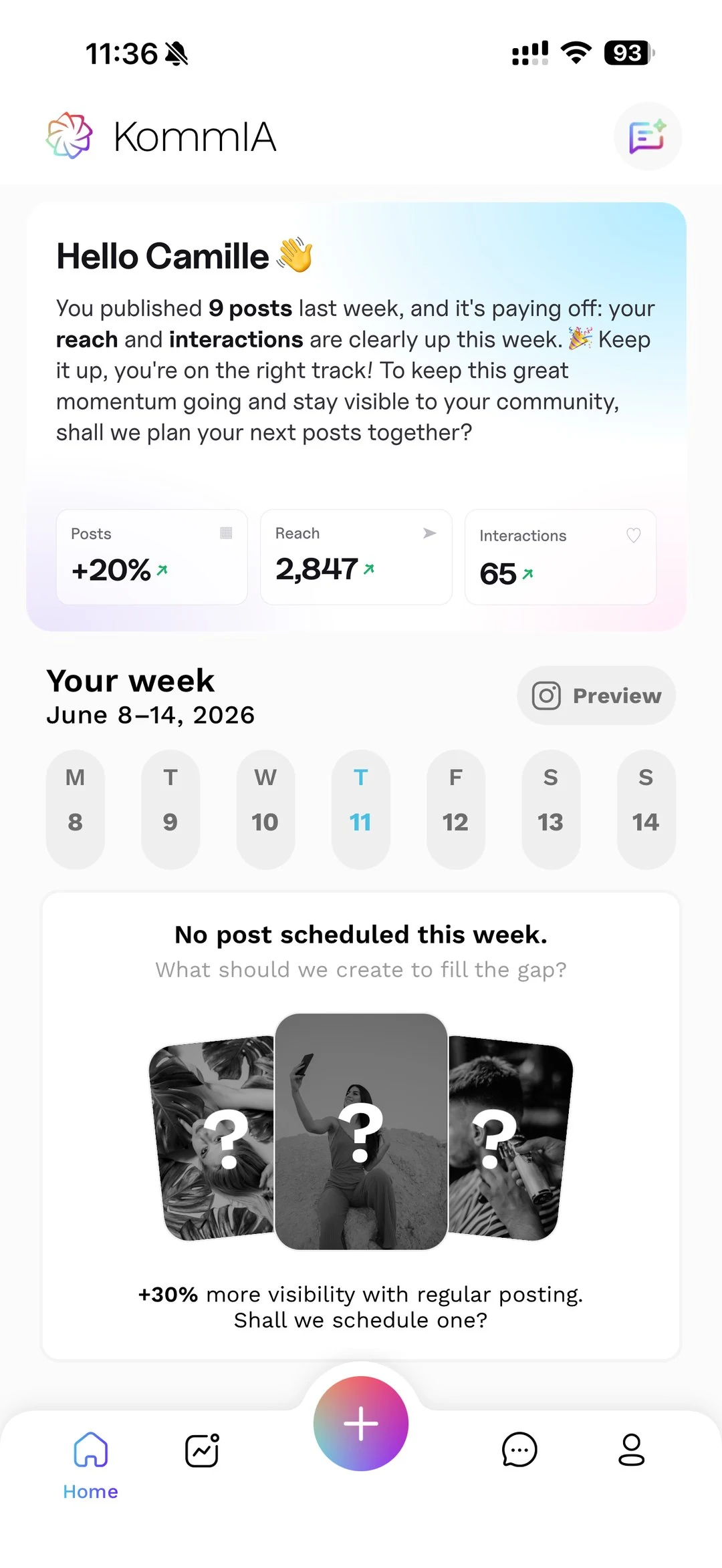
Optimising your bio link is a one-time setup job, but the posts that drive people to that link need to go out consistently, at the right moment, with the right caption. That is the repetitive part that eats your week. KommIA suggests three time slots based on your account's activity and publishes your posts at the one you pick, so you do not have to watch the clock or interrupt a client meeting to post manually.
The combination works well: you set up solid links in your bio once, then use KommIA to keep your feed active and pointed toward those links. Your caption mentions the specific action (“Grab the discount via the link in bio”) and goes out at the optimal hour without you lifting a finger. See KommIA's plans if you want to know what that looks like in practice.
One last thing before you close this tab: go check your bio link right now. Click it yourself, the way a visitor would, on your phone. If it loads slowly, leads somewhere outdated, or gives a 404, fix it today. Everything else in this article builds on that foundation.