Hello. If you are still running your freelance or small business Instagram from a personal account, you are leaving real tools on the table. Not because it sounds professional to switch, but because a business account changes what you can actually do on the platform. And with 2 billion daily active users worldwide according to Meta (July 2026), and around 31 million users in France according to NapoleonCat (September 2026), Instagram is not a side channel anymore. Here is why it matters, and how to do it right now.
Why bother switching at all?
Let's be blunt. A personal account gives you posts, Stories, and Reels. A business account gives you all of that, plus a set of tools that change how you manage your presence day to day.
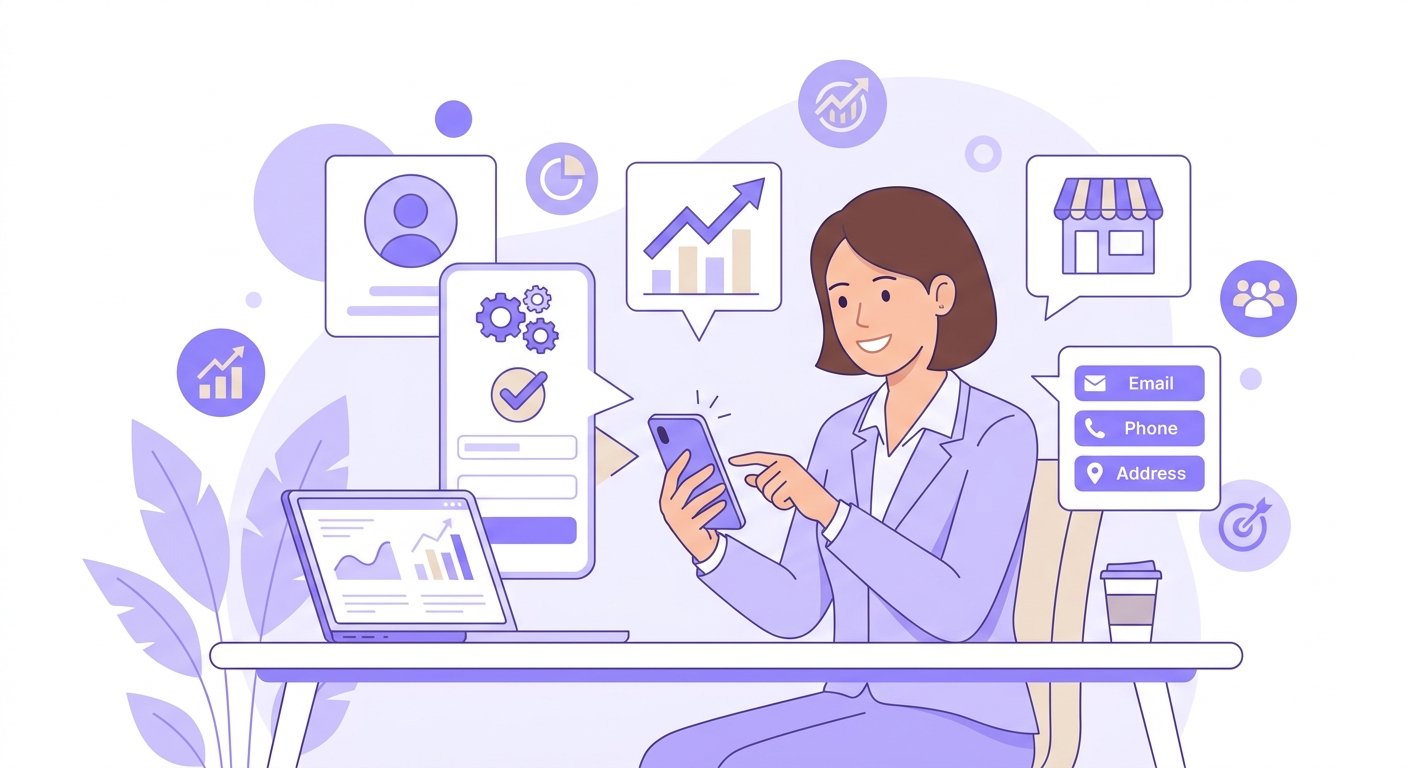
- Audience insights: You see exactly when your followers are online, which posts triggered the most engagement, and where your audience is located. No more guessing the best time to post.
- Contact button: A dedicated button on your profile lets people call, email, or get directions in one tap. That alone saves back-and-forth messages.
- Advertising access: Boosting a post is the quick option, but the real power is Meta Ads Manager, which lets you target precisely, retarget visitors, and run video formats that actually convert.
- Instagram Shopping: Tag products directly in posts, Reels, and Stories, and connect a product catalogue to turn your feed into a shop window.
- Saved replies in DMs: Create template answers for common questions about pricing, availability or opening hours. Huge time-saver when the same question keeps landing in your inbox.
- API access: Business accounts connect to Instagram's official API, which is what powers scheduling and automation tools. Personal accounts simply cannot do this.
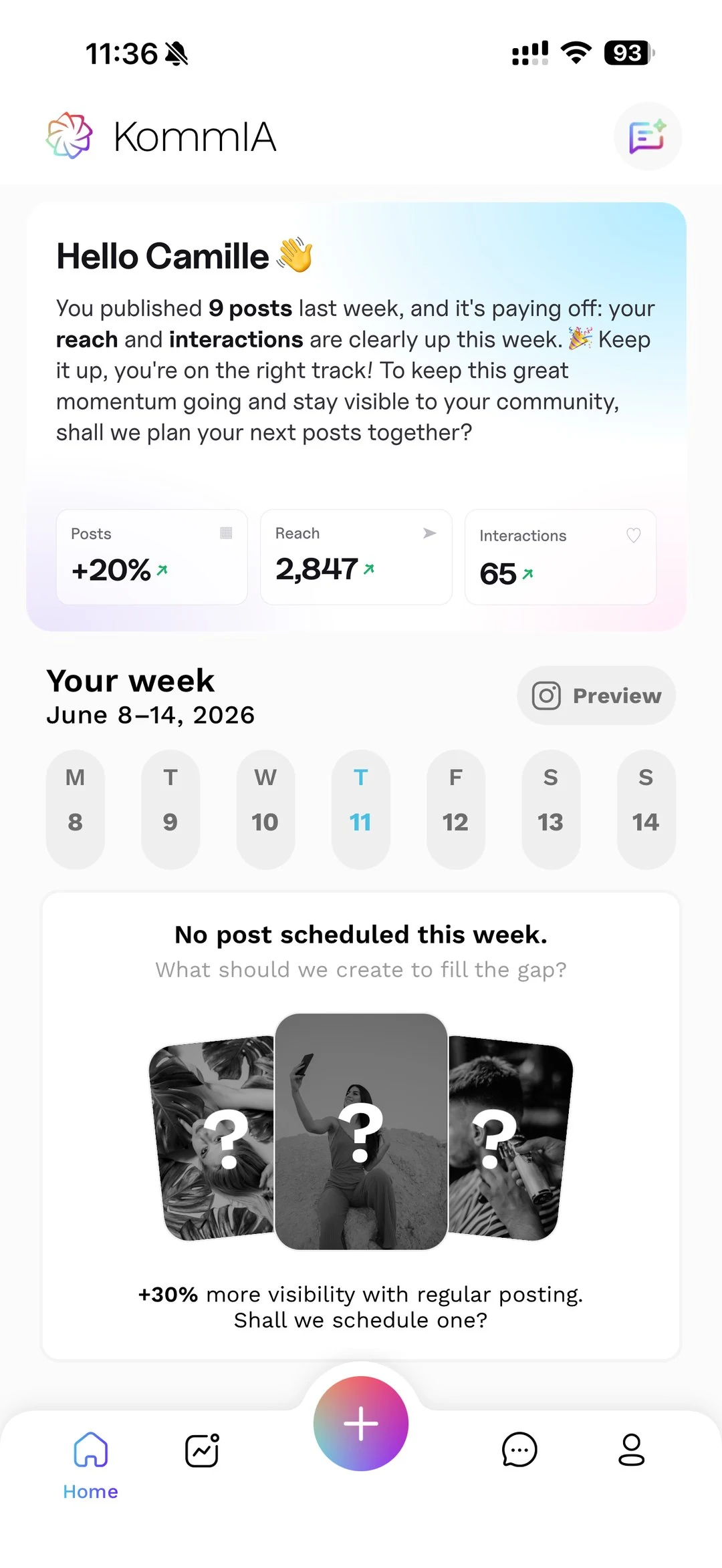
That last point matters a lot if you use a tool like KommIA, which publishes your posts automatically at the time you pick and suggests slots based on your account's activity. Without a business account, that kind of automation is off the table.
How to switch in 2 minutes, step by step
The process is simple. You do not need a Facebook Page linked, you do not need a minimum number of followers, and it costs nothing. Here is what to do.
- Open Instagram and tap the three lines in the top right of your profile.
- Go to Settings and activity, then look for the 'For Professionals' section and tap 'Account type and tools'.
- Select 'Switch to professional account' and choose Business, not Creator.
- Search your category in the very long list of options available. Choose the one that fits your trade most closely.
- Tick 'Show on profile' so the category appears under your name in grey. It signals legitimacy at a glance and frees up space in your bio.
One thing to know before you tap: if your account is currently private, switching to a professional account makes it public automatically. Professional accounts cannot be private. For a business that wants to be found, that is usually fine, but it is worth knowing in advance.
Also, if you later want to manage ads or several accounts, you can link your account to a Meta Business Portfolio, but you do not need one to get started.
Business account vs Creator account: which one for you?
When you switch, Instagram asks you to choose between Business and Creator. For most freelancers, artisans, and small businesses, Business is the right pick. Creator accounts are designed for content creators and influencers who rely heavily on trending music in Reels.
Here is the practical difference: Business accounts face strict restrictions on trending music tracks, while Creator accounts keep full access to Instagram's music library. If you are a hair salon, a carpenter, or a consultant, the music library matters less than the business tools. If your content is heavily Reels-driven and music-led, Creator might fit better, but for selling services or products, Business is the standard choice.
What to do right after switching
Once you are in, a few quick actions make the switch worthwhile immediately.
- Check your Insights once you have been posting for a little while. Look at the 'Most active times' data and shift your posting schedule to match it.
- Add a contact button (email, phone, or address) directly from your profile edit screen.
- Connect your account to a scheduling tool. KommIA suggests three time slots based on your account's activity and publishes your content at the one you pick, so you stop worrying about timing.
- If you sell products, start the process of connecting an Instagram Shop through Commerce Manager.
One thing worth keeping in mind: many users follow business accounts and use Instagram to discover new products. Your future customers are already there. They just need to find you at the right moment, and a business account is what makes that possible.
Switching takes two minutes. The tools you unlock last as long as you use them. Check out KommIA's plans to see how scheduling and content management fit into your workflow once your account is set up.