
Hello. If you have ever spent ages staring at a blank caption trying to figure out which hashtags to add, only to get the same handful of likes anyway, you are not alone. The way Instagram uses hashtags has shifted a lot, and what worked two years ago simply does not cut it anymore. The good news is the new approach is actually simpler, and once you get it, it becomes a quick routine.
Why the 30-hashtag strategy is dead
For years, the advice was to max out all 30 hashtags and cover every possible base. Instagram itself has put an end to it: hashtags are now limited to 5 per post, Reels included. This is not a vague recommendation but a real limit, and it covers the caption and the comments combined, as Later confirms in its April 2026 guide. Aim for 3 to 5 targeted hashtags: since Instagram only accepts 5, choose precise ones rather than generic ones.
The reason is simple. Instagram's discovery engine now leans heavily on interest-based signals and AI topic classification. It understands what your post is about from your visuals, the text in your images, your video clips and your caption, so hashtags serve as classification signals rather than a broadcast channel. They help you get found, but they do not make your reach: according to Metricool (June 2026), posts carrying at least one hashtag even got 31.7% fewer views than average.
The three-layer method that works in 2026
Instead of a random pile of tags, build each post's hashtag set in three layers. This takes practice to set up once, then becomes very fast.
- Layer 1, niche tags: These are specific to your exact profession or product. A ceramics maker might use #stonewareceramics or #handbuiltpottery rather than the massive #pottery (a huge global tag that buries you instantly). Smaller pools mean real people who care actually see you.
- Layer 2, community tags: These connect you to a broader scene, like #supportsmallbusiness, #makersgonnamake or a tag your industry genuinely uses. Scroll those tags first to check they are active and not full of spam bots.
- Layer 3, local or event tags: For most freelancers and artisans, geography still matters. A tag like #lyonartisan or #bristolfreelancer can bring in local clients who are actively searching. If you are running a seasonal campaign or attending a market, an event tag fits here too.
Put them at the end of your caption rather than in the first comment: they appear as soon as the post goes live, next to the keywords in your text, and the limit of 5 covers the caption and comments combined anyway.
How to find the right hashtags without falling down a rabbit hole
Open Instagram and type a keyword into the search bar. Switch to the 'Tags' tab. You will see the post count next to each suggestion. For niche tags, aim for fewer than 100,000 posts. Tags with 100,000 to 500,000 posts offer a good balance between reach and competition. Above 500,000, your post gets drowned out unless you already have a large audience, so use those sparingly.
Do this research from time to time, build 3 to 5 different sets of tags, one for each of your content pillars, then rotate them regularly. You do not need to reinvent them every single time. A notes app or a simple spreadsheet works fine for storing them.
One more thing worth checking: tap a hashtag and look at what is actually ranking in the top posts. If those posts look nothing like yours in style or topic, that tag is probably not pulling the audience you want, even if the size looks right.
Consistency and timing matter as much as the tags themselves
Here is something a lot of people miss. A perfect hashtag set on a post published at 2am on a Tuesday will underperform a decent hashtag set on a post published when your audience is actually scrolling.
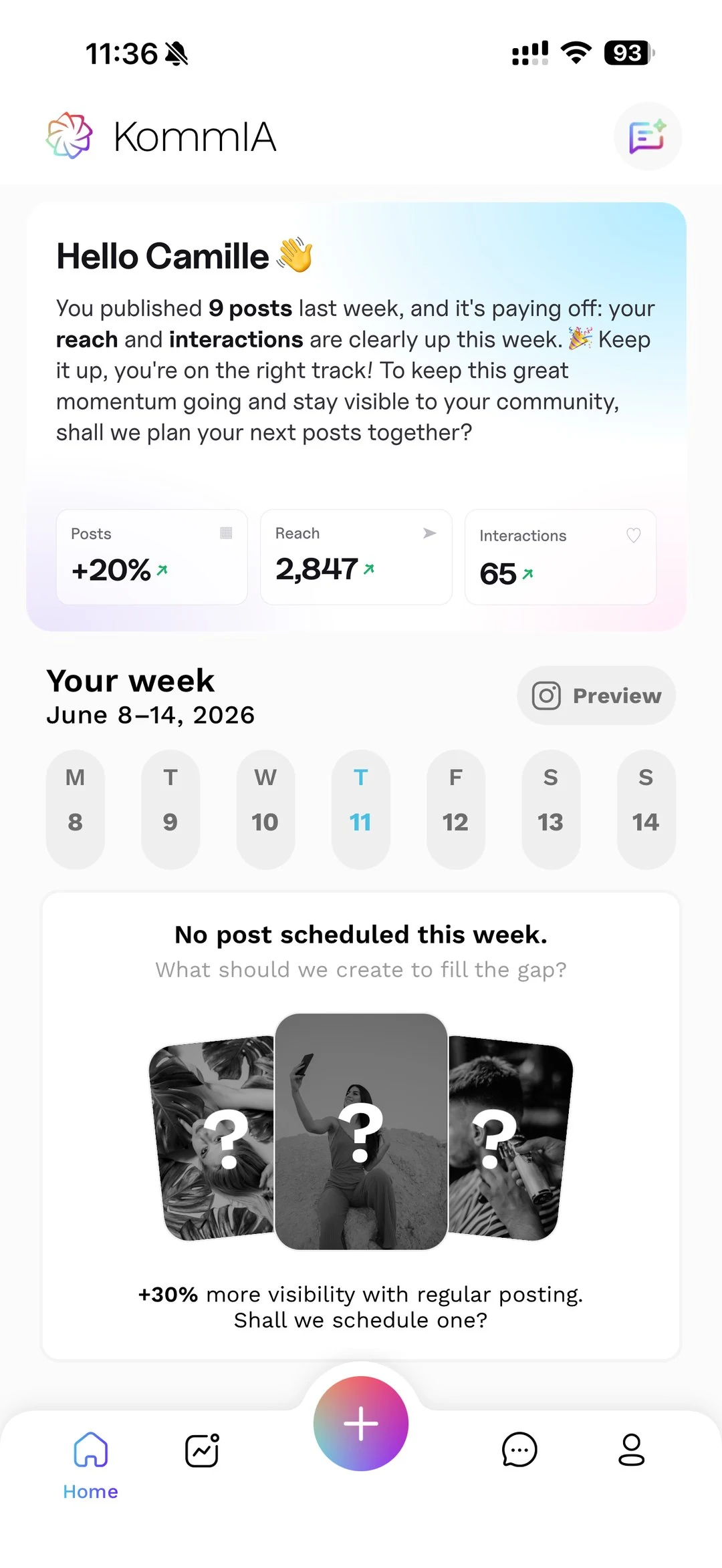
That is exactly where KommIA's automatic scheduling saves you real time. Instead of trying to remember to post at peak hours while you are in the middle of a client project or running your market stall, you pick one of the three slots KommIA suggests based on your account's activity, and KommIA publishes at that time. You take the photos when it suits you, and the app drafts the caption and 3 to 5 hashtags for you to check.
Pair that with your new streamlined hashtag approach and you remove two of the biggest variables holding small accounts back.
What to stop doing right now
A few habits are genuinely costing you reach in 2026, and they are easy to drop.
- Copying the same block of hashtags onto every post. A block pasted identically every time quickly looks like spam, and it never fits each post perfectly. Rotate your sets.
- Using banned or restricted hashtags. Some popular-sounding tags have been quietly restricted by Instagram after spam abuse. When in doubt, drop any tag that looks suspicious from your list.
- Ignoring your own analytics. Check your Instagram Insights occasionally to see which posts reach new people, and adjust your hashtag sets accordingly.
None of this requires a big time investment once the system is in place. Check out the KommIA plans if you want scheduling and content tools that fit a freelancer or small business budget, because the goal is to spend less time on Instagram admin and more time on the work that actually pays.