
Hello. If you run a small business, work as a freelancer, or sell handmade products, Instagram is still one of the most direct ways to reach new customers in 2026. But the platform has changed a lot, and what worked two years ago does not always work now. This guide walks you through exactly how to post on Instagram today, without wasting your afternoon on it.
Choose the Right Format First
Before you even think about a caption, pick the format that fits your goal. Instagram in 2026 offers five main formats, and each one behaves differently in the algorithm.
- Reels: still the strongest driver of reach to new audiences. Vertical, full-screen, with subtitles for people who watch without sound.
- Carousels: they get higher save rates, which makes them great for content people want to keep. Use them to show a process, a before/after, or a short tutorial.
- Single image posts: still solid for community engagement if your photo quality is genuinely strong. Less reach than Reels, but perfectly fine for loyal followers.
- Stories: short-lived content that keeps you visible daily without needing a full production effort. Great for behind-the-scenes moments, polls, and quick offers.
- Broadcast Channels: a newer format for sending direct updates to subscribers who opted in. More niche, but worth knowing.
For the rhythm, post as much as you can without burning out, as Adam Mosseri advises (September 2026), mixing Reels and carousels to suit your trade, with a few Stories in between to stay visible. You do not need to be everywhere at once.
Write Captions That Actually Get Read
The caption is where a lot of people give up and just write 'New post!' or a wall of hashtags. Both are missed opportunities. Instagram shows only the start of your caption before the 'more' button, so your opening sentence has to pull people in.
Start with something concrete: a number, a question, or a short statement that speaks directly to what your audience cares about. A baker might open with 'This croissant took me three attempts to get right.' A graphic designer might write 'Your logo is losing you clients and here is why.' Specific beats generic every single time.
After the hook, keep it conversational. Write the way you speak. A few short lines, then a clear call to action: ask a question, invite a comment, or tell people where to go next.
For hashtags, Instagram limits you to five per post, caption and comments included, so use a small set of highly relevant tags rather than a long list. Mix broad tags with niche ones that match your exact audience. Place them at the end of the caption or in the first comment, both work fine.
Timing: When You Post Matters More Than Ever
Posting when your specific audience is actually online makes a real difference to a post's visibility in its first hours, and so to its overall distribution.
The catch is that the best time depends on your own audience, and it changes with the day and the format. Your own account analytics will always be more accurate than any general guide, so check your Instagram Insights regularly.
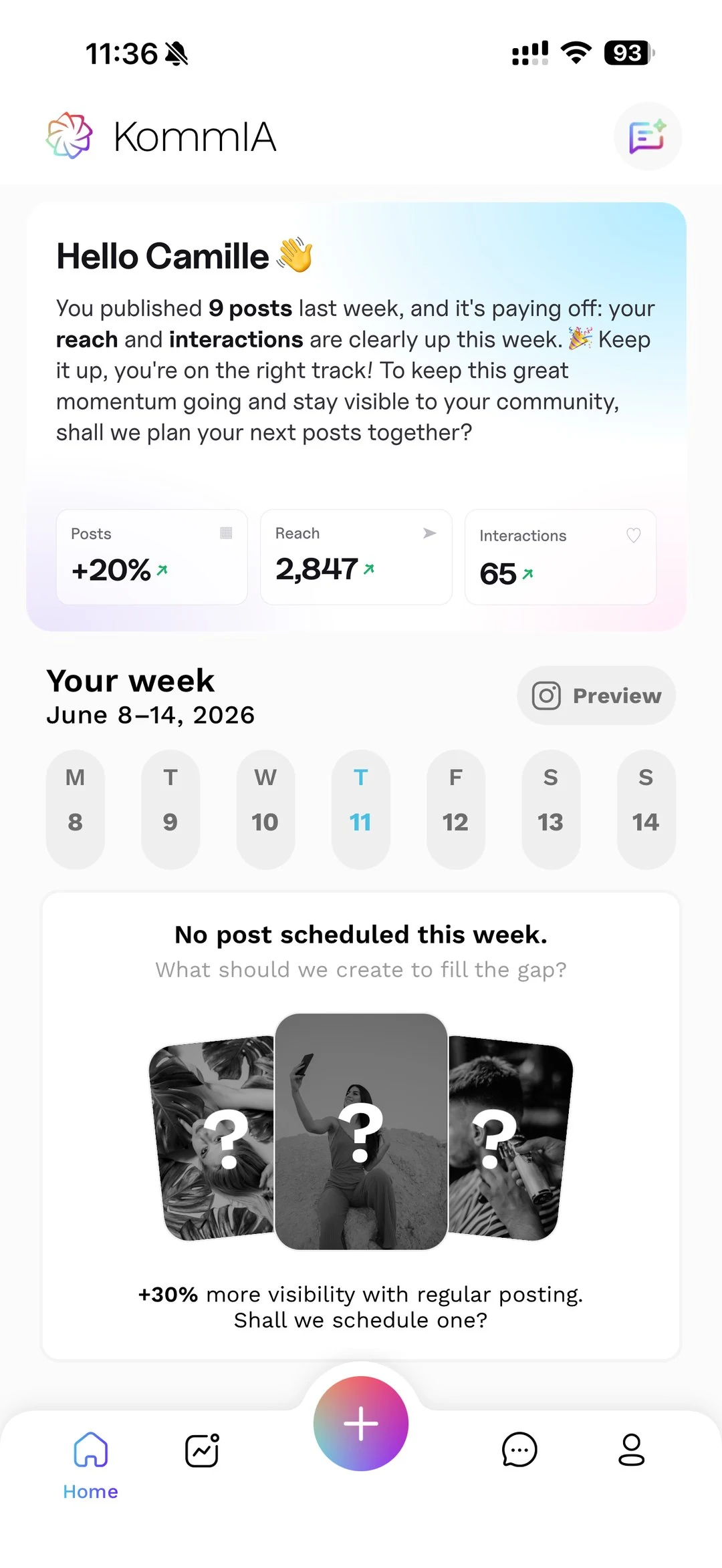
The problem is that the 'right time' is rarely when you happen to be free. That is exactly why tools like KommIA publish your posts automatically at the time you pick, or at one of the three slots they suggest from your account's activity, so you can prepare content in batches and let the tool handle the publishing. No more setting alarms or interrupting a client meeting to post a Reel.
Optimise Your Profile Before You Post Anything
A great post landing on a weak profile is like handing someone a beautiful business card with no contact details. Before you ramp up posting, make sure the basics are solid.
- Your profile photo should be clear and recognisable at small sizes, a logo or a clean headshot both work.
- Your bio has very little room to explain what you do and who it is for. Be specific. 'Handmade leather goods for people who hate fast fashion' is better than 'Artisan. Creator. Dreamer.'
- Use the link in bio wisely. Tools that let you point to multiple destinations (your shop, your booking page, a recent post) are worth the few minutes it takes to set them up.
- Switch to a Creator or Business account if you have not already. You need access to Insights and scheduling features.
Build a Simple Posting Workflow You Will Actually Stick To
Consistency matters more than perfection. An account that posts regularly, every week, will outperform one that posts a flurry of content in January and then goes quiet until March.
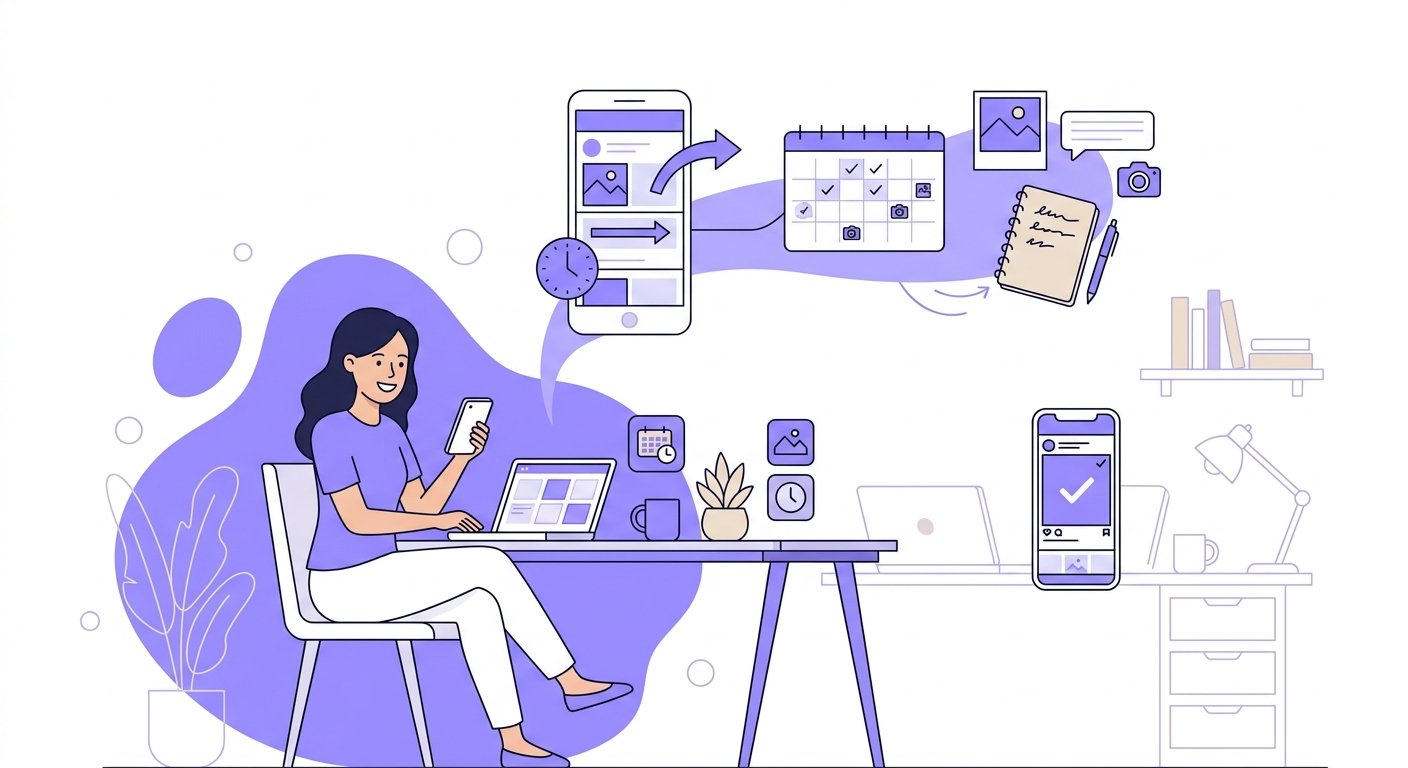
A practical workflow for a solo professional might look like this: set aside time on Monday to batch-create content for the week, write captions while you are in the creative zone, then schedule everything in one go. With KommIA's scheduling features, you set the time once and the app publishes at the right moment automatically, even if you are with a client or away for the weekend.
Track what works by checking Insights regularly. Look at reach for Reels, saves for carousels, and replies for Stories. Adjust based on what you see, not what you assume. Over time, that feedback loop becomes your real competitive advantage, because most small accounts never bother to look at their data at all.
Posting on Instagram in 2026 is genuinely manageable when you have a clear process. Pick the right format, write a caption with a real hook, post at the right time, and repeat. It is not glamorous advice, but it is what actually works.